Sync and reconcile
Scrape Admin holds a copy of what needs scraping: a profile for each scrape profile, a collection for each merchant and an entry for each offer. The platform keeps these in step as you edit, but things can drift, for example after an import, after a failed push or when someone edits Scrape Admin directly. The Sync tab in Settings finds and fixes such differences. It is only available to project admins, and needs a connected project.
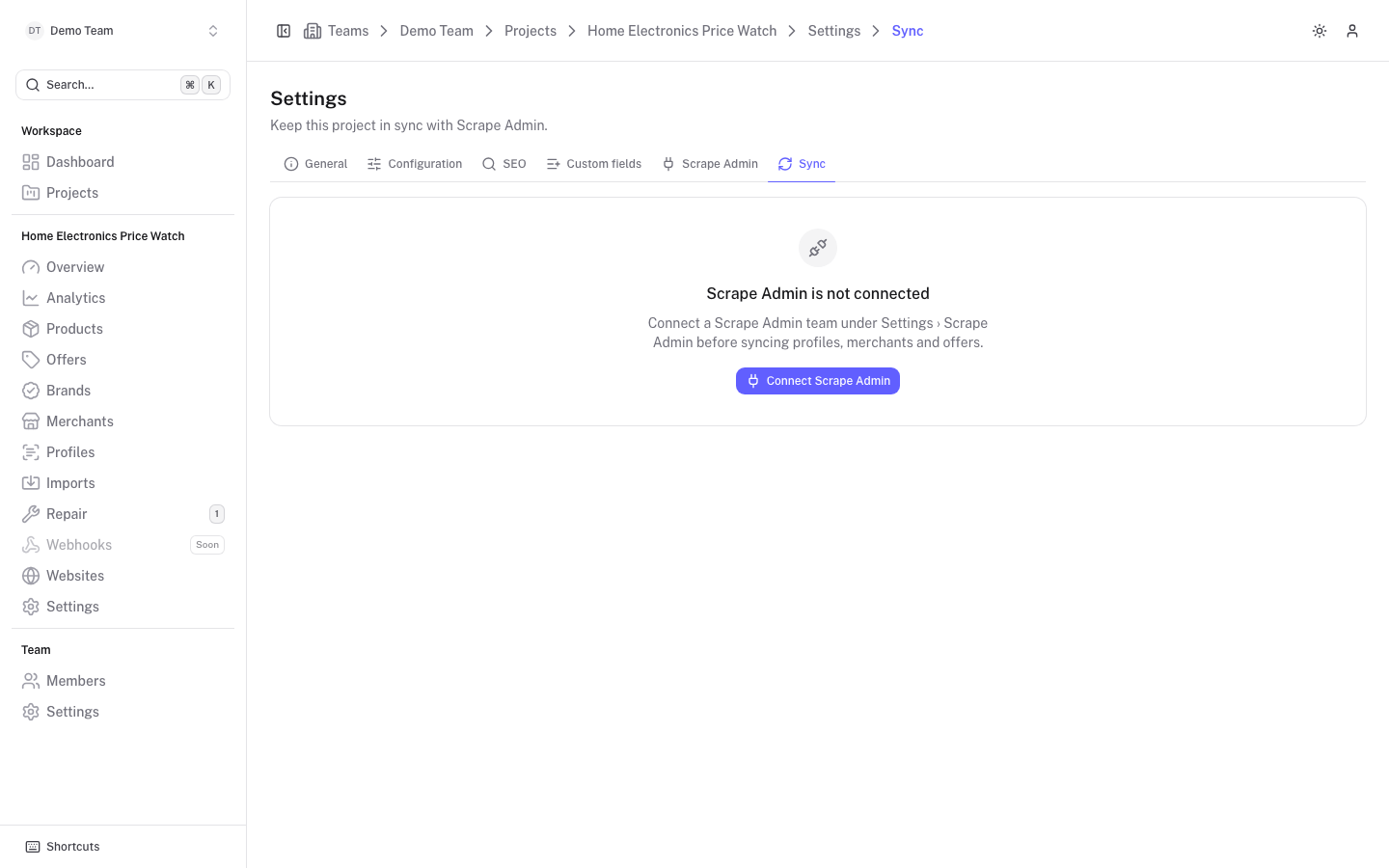
When Scrape Admin is not connected the tab only shows a Connect Scrape Admin button.
Coverage
The Coverage card shows, for Profiles, Merchants and Offers, how many are synced out of the total, and how many are pending or failed. Imported rows stay pending until a sync pushes them.
Sync operations
The Sync card has three operations. They run in your browser tab, a page of up to 20 items at a time, so keep the tab open until it finishes. You can click Stop at any time: the next run picks up what is left.
Sync everything is the full repair. After you confirm, it:
- creates missing profiles, collections and entries in Scrape Admin;
- updates what is out of date;
- applies newer results found in Scrape Admin;
- deletes entries and collections that this platform created and that no longer belong to anything. Entries created elsewhere are kept.
Check only compares with Scrape Admin and changes nothing. This is the same check the nightly run does.
Push all offers sends every offer's entry to Scrape Admin without checking first. Switch on Force to send every entry even when nothing changed, for example after the webhook secret was rotated.
While a run is going you see the number of pages and items, any failures with the offer and error, and a Finished, Stopped or Failed badge.
Nightly check
Switch on Check this project every night to compare the project with Scrape Admin every night. It only reports: nothing is changed. The result is stored and shown under Last check.
Last check
Last check shows the result of the most recent check or sync, labelled Sync or Check only, and Unfinished if the walk was cut short. If everything matched it says so. Otherwise it counts the findings and lists the first 50:
| Finding | Meaning |
|---|---|
| Missing in Scrape Admin | Exists here, but not (any more) in Scrape Admin. |
| Out of date | Exists in both, but differs. |
| Newer result upstream | Scrape Admin has a newer result than the platform. |
| Unknown entry | An entry in Scrape Admin that this project does not know. |
| Unknown collection | A collection in Scrape Admin that this project does not know. |
Each finding is linked to the offer, merchant or profile and has an outcome: Fixed, Reported (check only), or the error when it could not be fixed.
Sync one record
Product, brand and merchant pages have sync buttons when the project is connected. They act on that record's offers only, for example all offers of one merchant. Members can request a refresh (push the entries and run them now); admins can also push the entries without running them.
On a single offer, Refresh syncs its entry and queues a run now. The result arrives by webhook. Disabled offers and offers of deprecated products or merchants are skipped by bulk refreshes.